Introduction
If you’ve ever tried to explain “cloud-based HR software” to someone outside the HR world, you know how quickly the conversation turns into buzzword soup. Cloud. SaaS. HRIS. HCM. It all starts to sound the same, even though the differences matter a lot once you’re the one responsible for choosing a system for your company.
The truth is, cloud based HR software isn’t a trend anymore, it’s become the default way U.S. companies manage employee data, payroll, onboarding, and compliance. According to PwC’s HR Technology Survey, 73% of organizations already had at least one HR process in the cloud, up from 68% just two years earlier, and nearly a third of companies still running on-premise core HR systems were actively planning their migration to the cloud within 12 to 18 months.
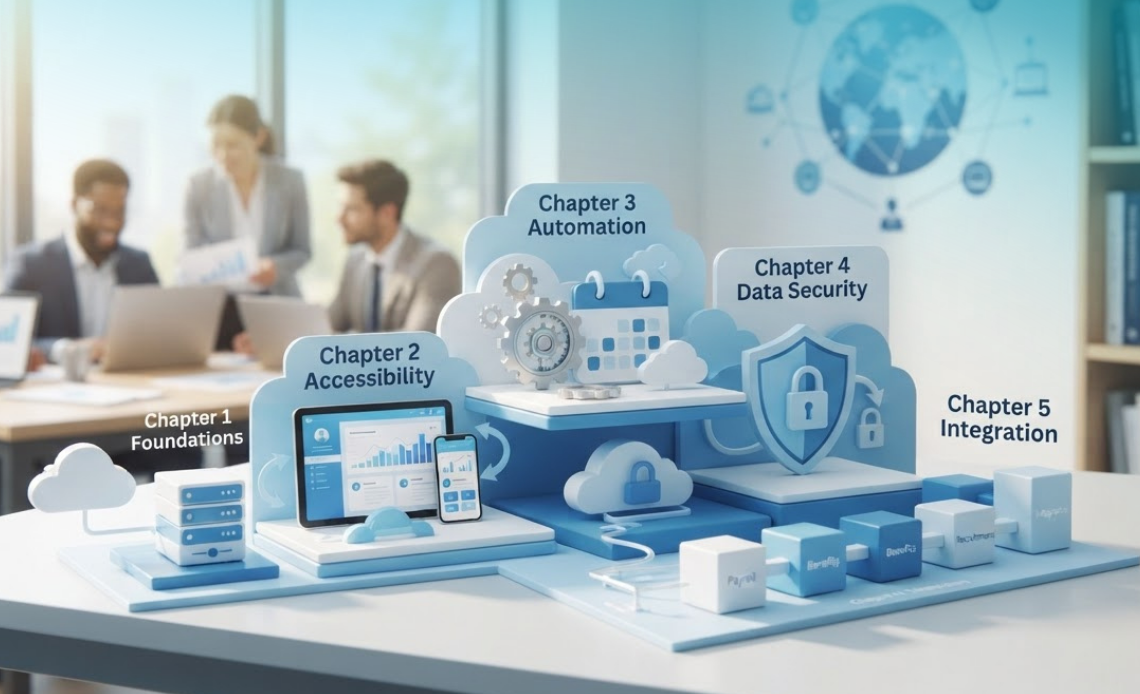
But before jumping into a purchase decision or a vendor demo, it helps to actually understand what you’re looking at: how it works, what it includes, why companies are switching to it, and how to evaluate one platform against another. This article breaks that down into five clear, progressive chapters.
Table of Contents
Chapter 1 : What Cloud Based HR Software Actually Means
A Simple Definition Beyond the Buzzword
Cloud-based HR software is a digital system that helps companies manage employee records, payroll, benefits, and other HR processes, hosted entirely on a vendor’s remote servers rather than on your company’s own computers. Instead of installing anything locally, your team logs in through a web browser, from any device, anywhere there’s an internet connection.
Think of it the same way you think about email. You don’t store Gmail on your laptop’s hard drive, it lives on Google’s servers, and you simply access it through a browser or an app.
Cloud based HR software works the same way: your employee data lives on the provider’s infrastructure, and you access it as a service.
How It Differs from Traditional On-Premise HR Systems
Traditional, on-premise HR software is installed directly on your company’s own servers and computers. Your IT team is responsible for maintaining the hardware, applying security patches, running backups, and troubleshooting technical issues. It requires a significant upfront investment in servers, licenses, and infrastructure, plus ongoing internal maintenance.
Cloud based HR software flips that model. The vendor owns and maintains the servers, handles security updates, and takes care of backups. You pay a recurring subscription fee, typically billed per employee per month, and in exchange, you get a system that’s always up to date without needing an internal IT team dedicated to it.
Chapter 2 : How Cloud HR based Software Works Behind the Scenes
The Role of the Vendor: Hosting, Updates, and Maintenance
When you sign up for a cloud based HR platform, the vendor takes on responsibilities that used to sit entirely with your internal IT department. They host your data on secure, redundant servers, usually distributed across multiple data centers, roll out software updates automatically, and run continuous monitoring for potential threats.
This “vendor-managed” model means your HR team never has to worry about scheduling downtime for an upgrade or manually installing a new patch. New features and security fixes simply appear in your account, often with no interruption to daily use.
Data Storage, Access, and Real-Time Synchronization
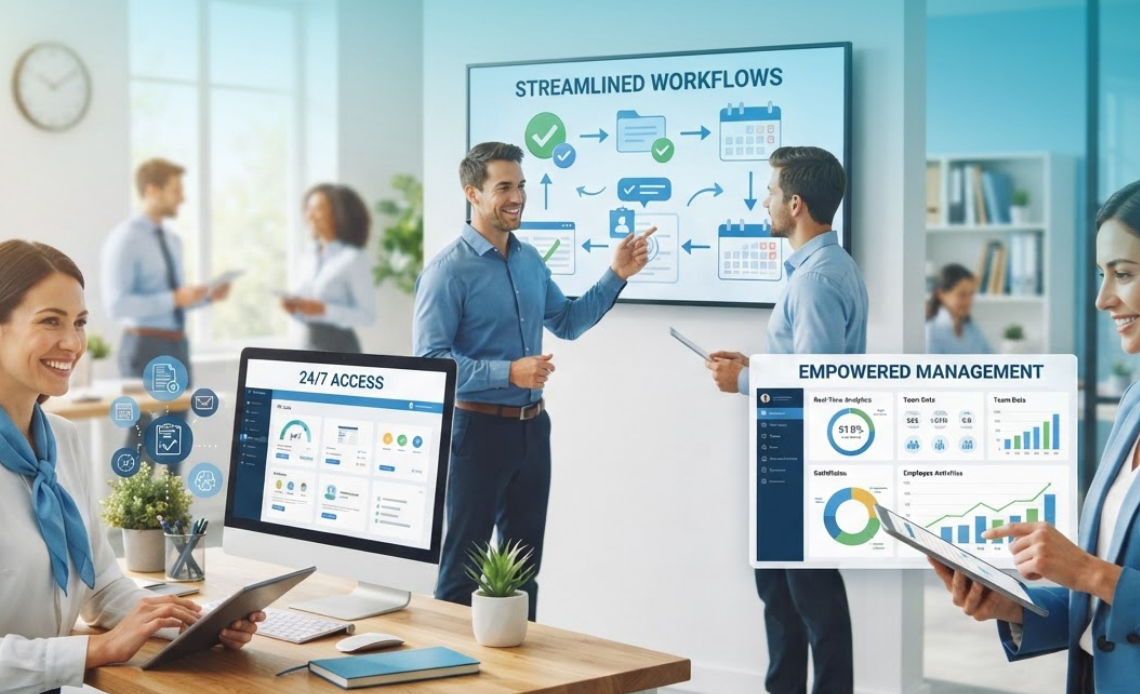
Employee data in a cloud based HR system is stored centrally, which means every authorized user, whether it’s an HR manager, a department head, or an employee checking their own payslip, sees the same up-to-date information in real time. There’s no version confusion between a spreadsheet on one laptop and a different version on someone else’s desktop.
This real-time synchronization also enables faster reporting. Instead of manually compiling numbers from scattered files, dashboards pull live data automatically, so a headcount report or a turnover trend is accurate the moment someone opens it, not three days after someone remembers to update a spreadsheet. Security is handled through a mix of encryption, multi-factor authentication, and access controls that vary by provider, with most reputable vendors aligning with standards such as SOC 2, ISO 27001, or GDPR-specific requirements for companies with international operations.
Chapter 3 : Core Modules and Features You’ll Find in Cloud HR Platforms
Employee Records, Payroll, and Benefits Administration
At its core, cloud based HR software centralizes every employee’s personal information, contracts, tax documents, and policy acknowledgments in one governed system. Most platforms also include payroll processing, automating salary calculations, tax withholdings, and direct deposits, along with benefits administration for health insurance, retirement plans, and other perks.
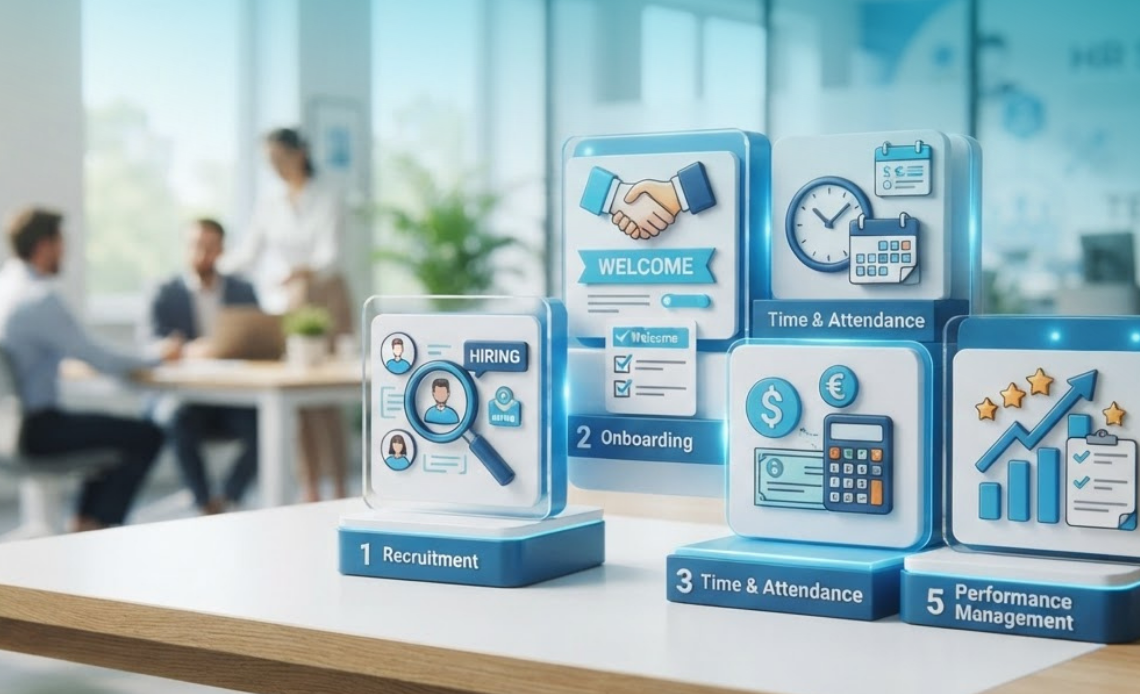
Onboarding, Time Tracking, and Performance Management
Beyond the basics, cloud based HR platforms typically include modules for digital onboarding (so new hires can complete paperwork before their first day), time and attendance tracking, leave requests, and performance management tools like goal setting and review cycles. Many platforms also offer employee self-service portals, giving staff direct access to update their own information, request time off, or download documents without waiting on HR.
Depending on the provider, you might also find recruiting and applicant tracking, learning management, and analytics dashboards bundled into the same platform, or available as add-on modules at an additional cost.
Chapter 4 : Why Companies Are Moving from On-Premise to the Cloud
Cost, Accessibility, and Scalability Compared
Cost is one of the biggest drivers of this shift, though the return isn’t always immediate or automatic. On-premise systems require substantial upfront capital for servers, licenses, and implementation, plus significant annual maintenance costs. Cloud HR software, by contrast, typically runs on a subscription model billed per employee per month, with providers handling the infrastructure so companies avoid large capital expenditures.
Accessibility is the other major factor. Because cloud systems are browser-based, HR teams and employees can access them from anywhere, which matters enormously for distributed or hybrid teams. And because providers manage the infrastructure, scaling up or down as headcount changes doesn’t require buying new servers or renegotiating licenses, you simply adjust your subscription.
This flexibility is a key reason PwC’s research covered by HR Executive found that HR organizations which migrated 75% to 100% of their processes to the cloud were nearly twice as likely to report being highly satisfied (47%) compared with those that migrated only a quarter of their systems or less (26%), suggesting that partial, half-hearted migrations tend to undercut the value companies expect to see.
Security and Compliance in a Cloud Environment
It’s a common misconception that cloud systems are inherently less secure than on-premise ones. In reality, most established cloud based HR vendors invest heavily in encryption, access controls, and compliance certifications precisely because data security is core to their business model. That said, security isn’t automatic, companies should verify exactly where data is hosted, whether the vendor holds relevant certifications like ISO 27001 or SOC 2, and what the data processing agreement covers for companies operating across multiple regions.
Chapter 5 : How to Evaluate and Choose the Right Cloud HR Software
Key Questions to Ask Before Selecting a Provider
Before signing with any cloud based HR vendor, it helps to get clear answers to a few core questions: Where exactly is our data hosted, and is that location compliant with our regulatory requirements? What certifications does the vendor hold (SOC 2, ISO 27001, GDPR compliance)? What’s included in the base subscription price, and what costs extra as an add-on module? How long does implementation typically take, and what support is available during the transition?
It’s also worth asking about data portability: if you ever decide to switch providers, can you export your full historical data in a usable format, or are you locked into their system?
Red Flags and Common Implementation Mistakes
A few warning signs are worth watching for. Vague answers about data hosting location or security certifications are a red flag, as is a pricing structure that seems simple upfront but reveals a long list of mandatory add-ons once you’re further into the sales process.
On the implementation side, one of the most common mistakes companies make is underestimating the data migration process, moving years of employee records from spreadsheets or an old system into a new platform takes planning, and rushing it often leads to incomplete or inaccurate records. This mistake compounds the risk of a disappointing rollout, since companies that fully commit to a cloud migration tend to report meaningfully higher satisfaction than those that only migrate part of their systems, as noted in PwC’s cloud HCM research.
Cloud-Based HR Software vs Traditional HR Systems: Quick Comparison
| Factor | Cloud Based HR Software | Traditional On-Premise HR Software |
|---|---|---|
| Hosting | Vendor-managed remote servers | Company’s own servers/hardware |
| Upfront cost | Low to none | High (hardware, licenses, setup) |
| Maintenance | Handled by vendor, automatic updates | Managed internally by IT team |
| Accessibility | Anywhere, any device with internet | Typically limited to internal network |
| Scalability | Adjust subscription as headcount changes | Requires new hardware/licenses to scale |
| Security responsibility | Shared with vendor (encryption, certifications) | Entirely internal |
| Cloud adoption among U.S. organizations | 73% already have at least one HR process in the cloud (PwC) | Declining share, mostly legacy holdouts |
Frequently asked questions about Cloud based HR software
Is cloud based HR software the same as SaaS HR software?
Yes, in practice these terms are used interchangeably. Cloud-based HR software is delivered through the Software-as-a-Service (SaaS) model, meaning you access it via subscription rather than purchasing and installing it outright.
How widely adopted is cloud based HR software among U.S. companies today?
Very widely. PwC’s HR Technology Survey found that 73% of organizations already had at least one HR process in the cloud, up from 68% two years prior, with many more actively planning their migration.
Is cloud HR software secure for sensitive employee data?
Reputable cloud based HR providers typically use encryption, multi-factor authentication, and hold security certifications such as SOC 2 or ISO 27001. Companies should still verify a vendor’s specific certifications and data hosting location before signing on.
Does switching to cloud HR software guarantee cost savings and satisfaction?
Not automatically, and the depth of migration matters. PwC’s research found that companies migrating 75-100% of their HR processes to the cloud were nearly twice as likely to report high satisfaction (47%) compared with those migrating 25% or less (26%).
What's the difference between HRIS, HRMS, and cloud HR software?
HRIS (Human Resource Information System) and HRMS (Human Resource Management System) refer to the type of functionality a platform offers, while “cloud-based” describes how it’s hosted and delivered. Most modern HRIS and HRMS platforms today are cloud-based, though on-premise versions still exist.
Conclusion
Cloud-based HR software isn’t just a technical upgrade, it’s a fundamentally different way of thinking about how HR data is stored, accessed, and maintained. Instead of shouldering the cost and complexity of servers and manual updates, companies hand that responsibility to a specialized vendor and focus their own energy on the people side of HR.
Understanding these five chapters, what it means, how it works, what it includes, why companies switch, and how to choose one, gives you a solid foundation before you start comparing specific platforms or booking vendor demos.
Ready to Explore Cloud-Based HR Software?
If you’re ready to see what a modern, cloud-based HR platform looks like in practice, The PowerHR centralizes employee records, automates payroll and reporting, and gives your team secure, anywhere access to the tools they need. Request a free, personalized demo today and see how a cloud HR platform can transform the way your organization manages its people.